Vibe OS Coming soon
Coming soon $200, paid once. See pricing

A desk for your coding agents.

Vibe OS runs Claude Code, Codex and your shell side by side on your Mac. Each agent gets its own channel with a live meter, so you can tell at a glance who's working, who's done and who's waiting on you.

  • Price $200 once
  • Needs Apple silicon
  • Works with Claude Code, Codex
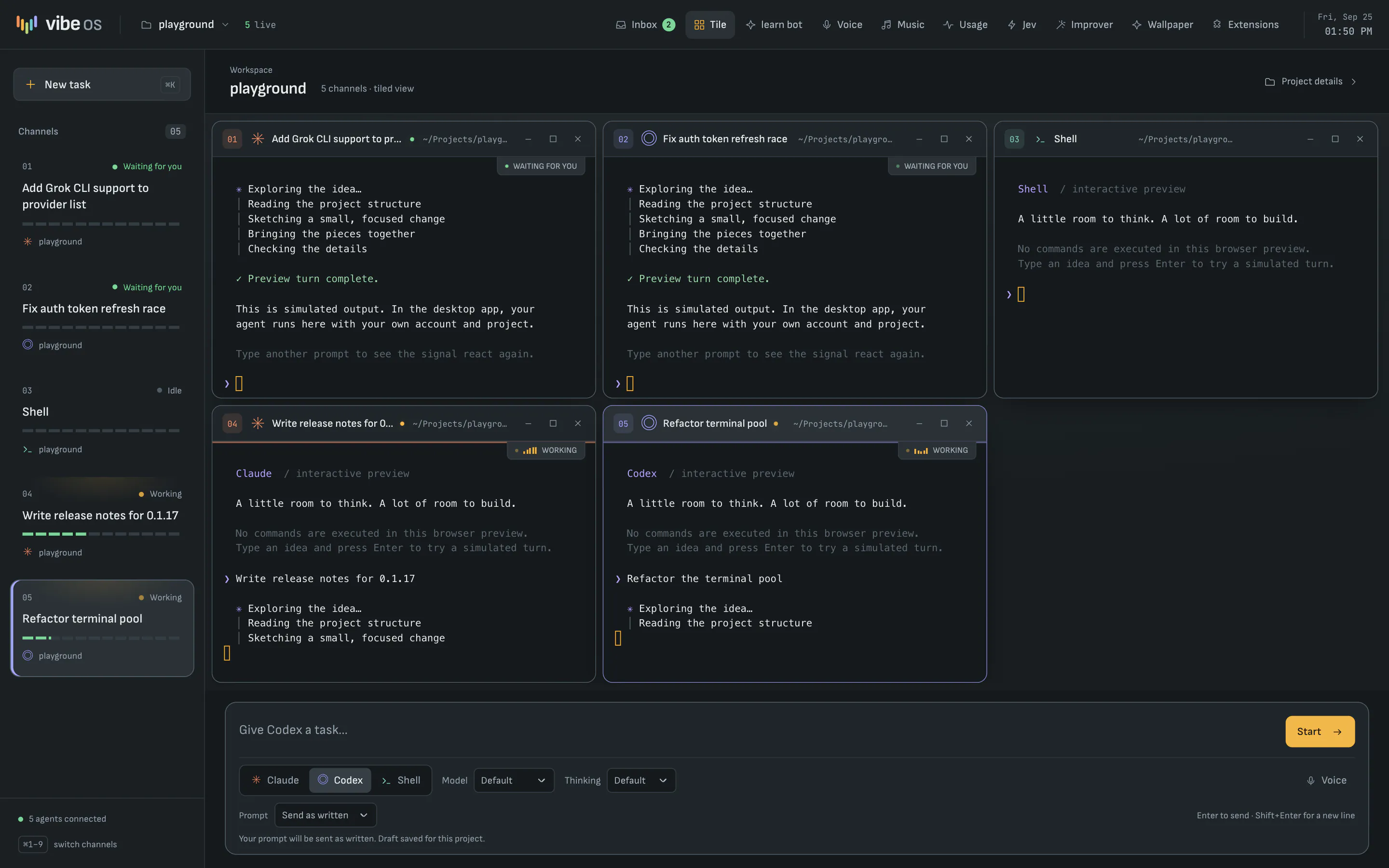
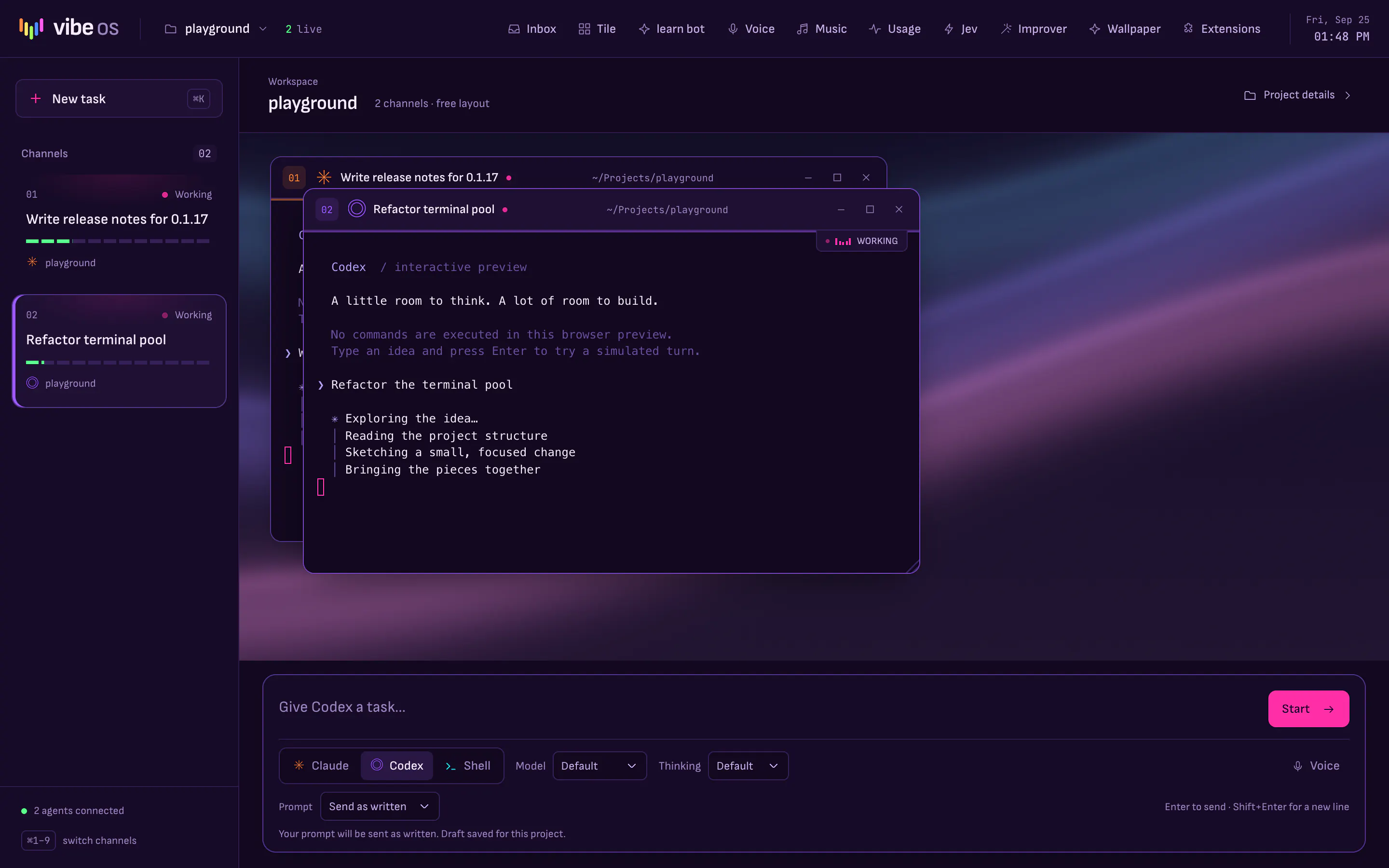
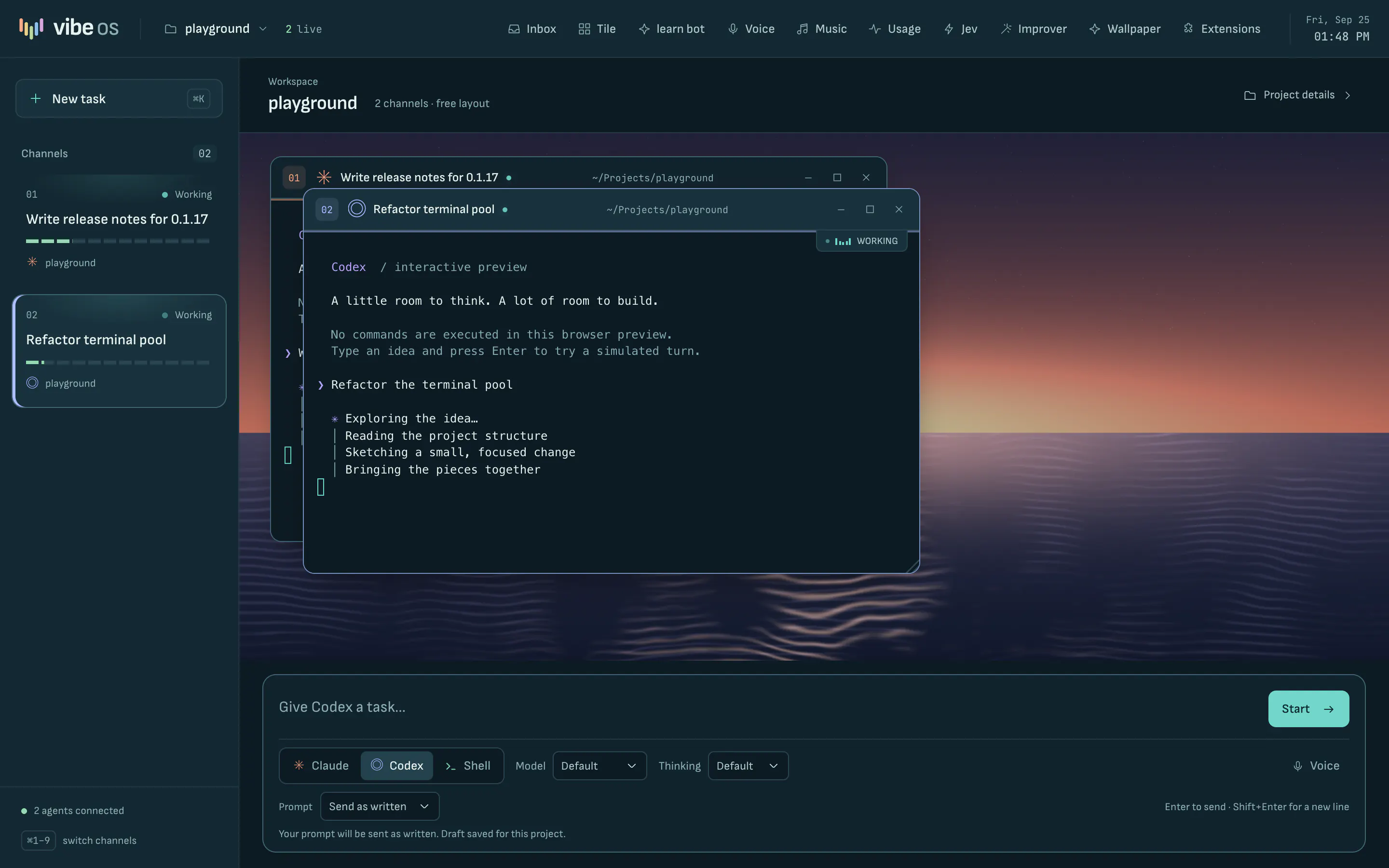
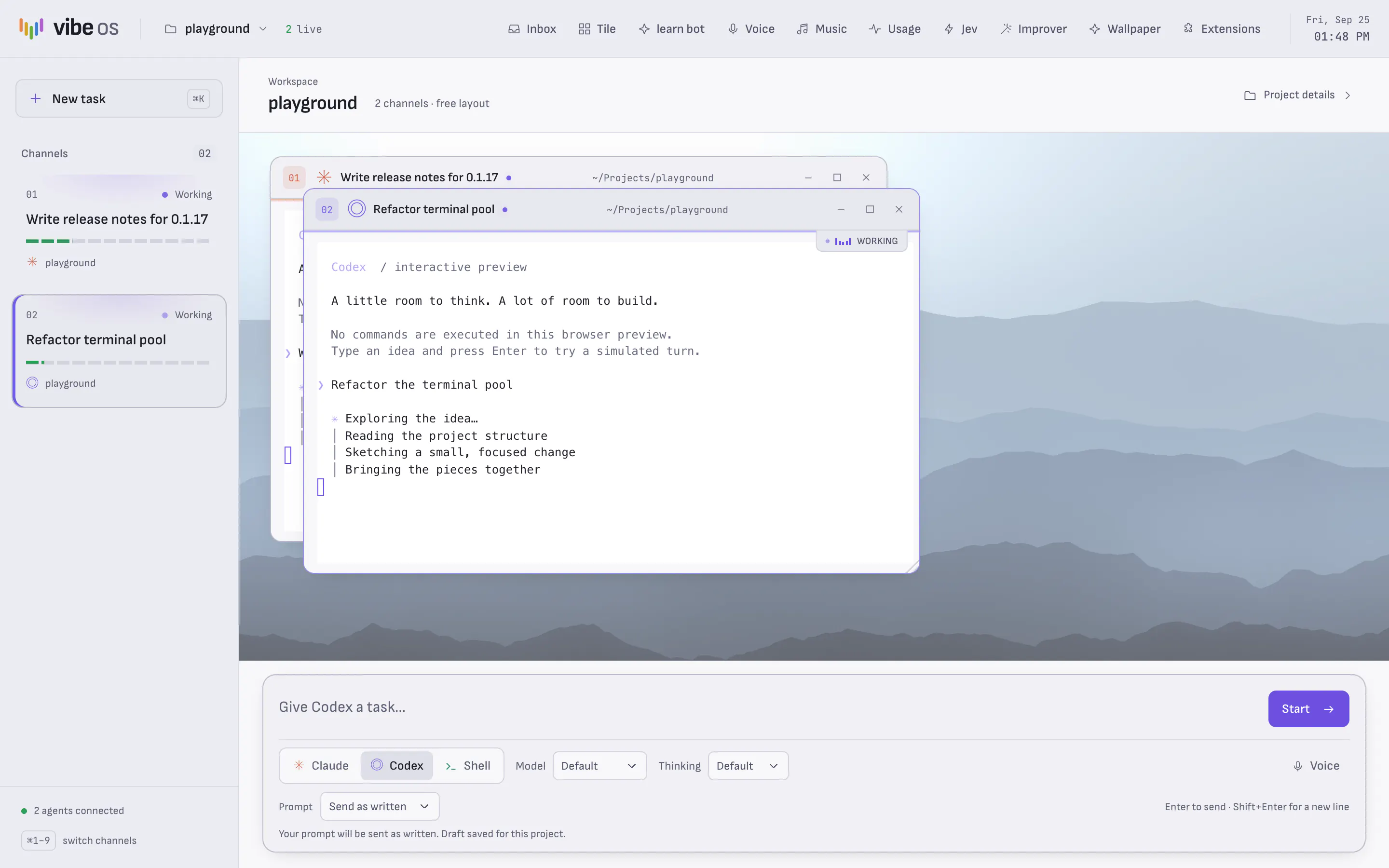
Vibe OS with five channels tiled on the desk: two agents waiting for you, two working, and a shell. The channel rail on the left shows each task with its status and activity meter, and the chat bar sits along the bottom.
Five channels on one desk. Two agents are done and waiting for you, two are still working, and a shell is open beside them.

Features

What you get

The agents are real terminals running the CLIs you already use, on the Claude Pro/Max or ChatGPT Plus/Pro plan you already have. They launch through your login shell, so your PATH and sign-in work as usual.

Channels
Every agent is a strip in the rail, named after its task, with a status lamp and a meter driven by its terminal's real output. ⌘1 to ⌘9 jump between them, and ⌘J opens the agents waiting on you. When the window is in the background, a notification and dock badge tell you who finished.
Clearer prompts
Type a rough draft in the chat bar. The agent you picked rewrites it into a clear prompt in a separate background run, then opens its terminal with the result. You can send your own words as written instead, or preview and edit the rewrite first.
Shared memory
Agents on a project know about each other. They share a live roster, a notes file for findings and handoffs, and a project memory stored in a local SQLite database, so a new session starts from what the last one learned.
Worktrees
Turn on isolation for a git project and each new agent gets its own branch and worktree, so agents working in parallel never edit the same files. The Changes panel lets you review a branch, then commit, merge, open a pull request or discard it.
Usage
See how much of your Claude and Codex allowances you've used, and when they reset. Readings that are out of date are marked stale.
Session restore
Quit and reopen, and your project, windows and layout come back. Conversations resume through the CLI, with each window's scrollback shown above.
Themes
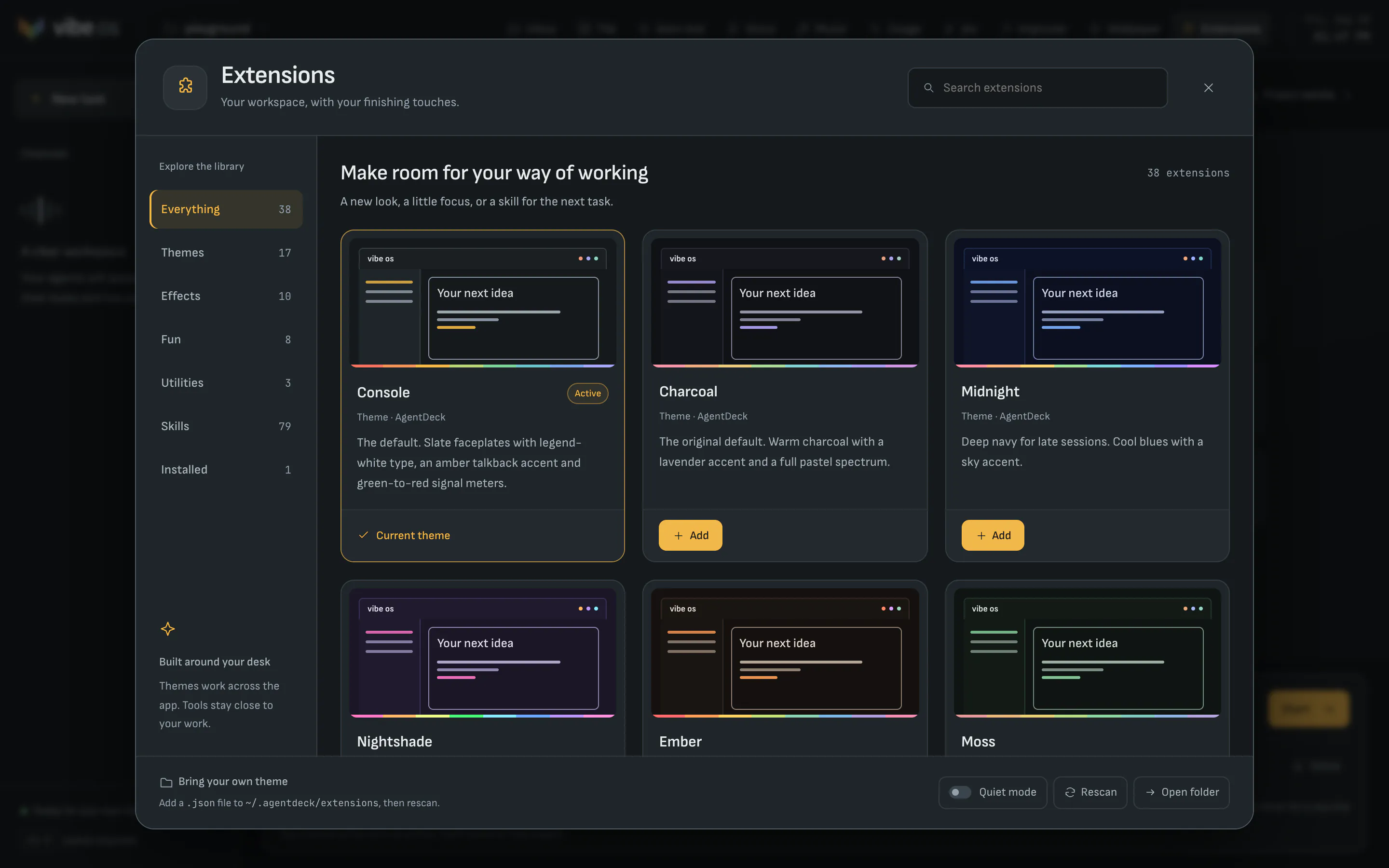
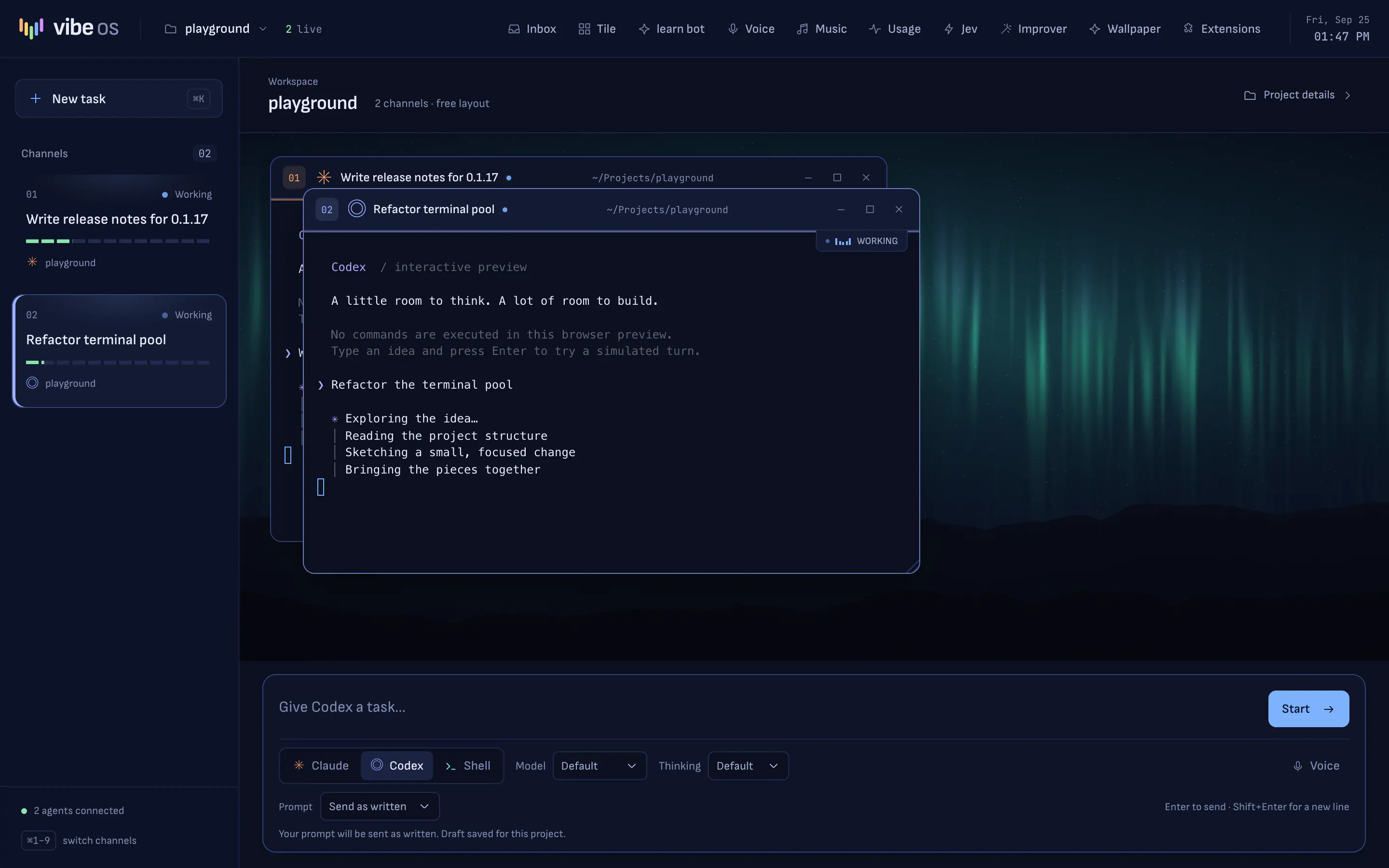
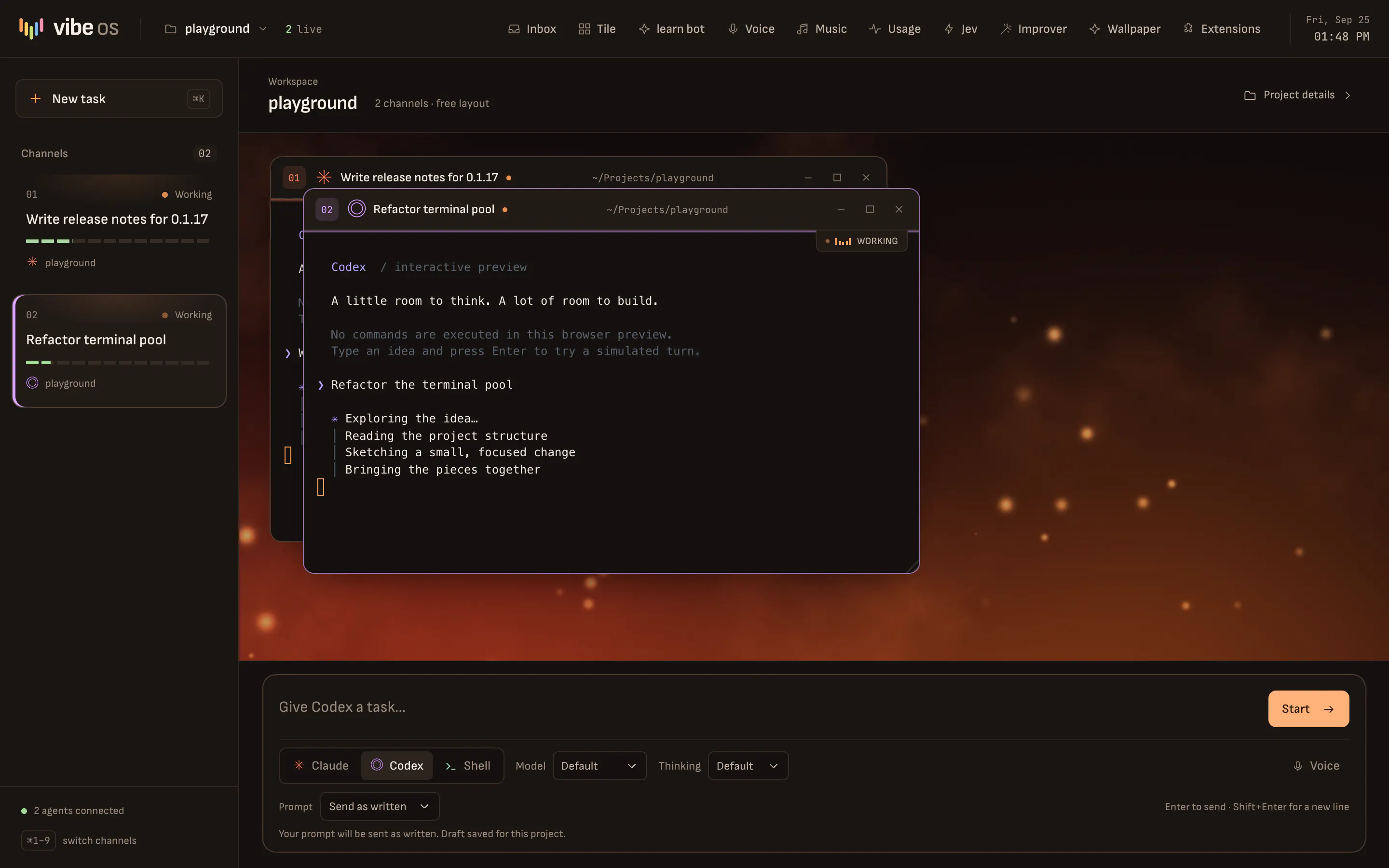
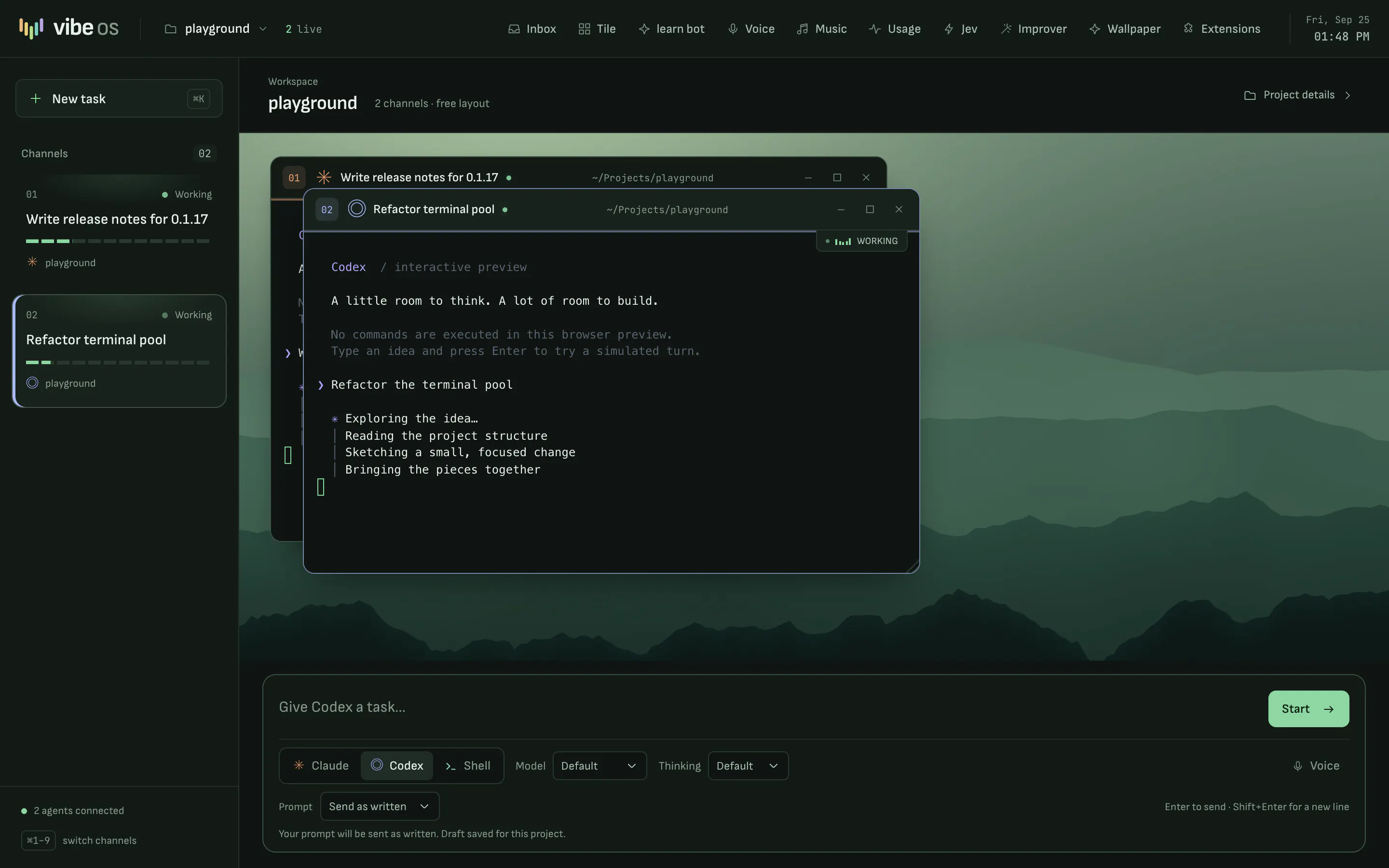
17 themes recolor the whole desk and every terminal. There are also effects, utilities like a focus timer, and 12 bundled 4K wallpapers. You can add your own theme as a JSON file.
learn bot
A patient teacher for any subject, with worked examples, practice and diagrams where they help. It runs on your Claude or Codex plan, or on an xAI key.
Screenshot to show
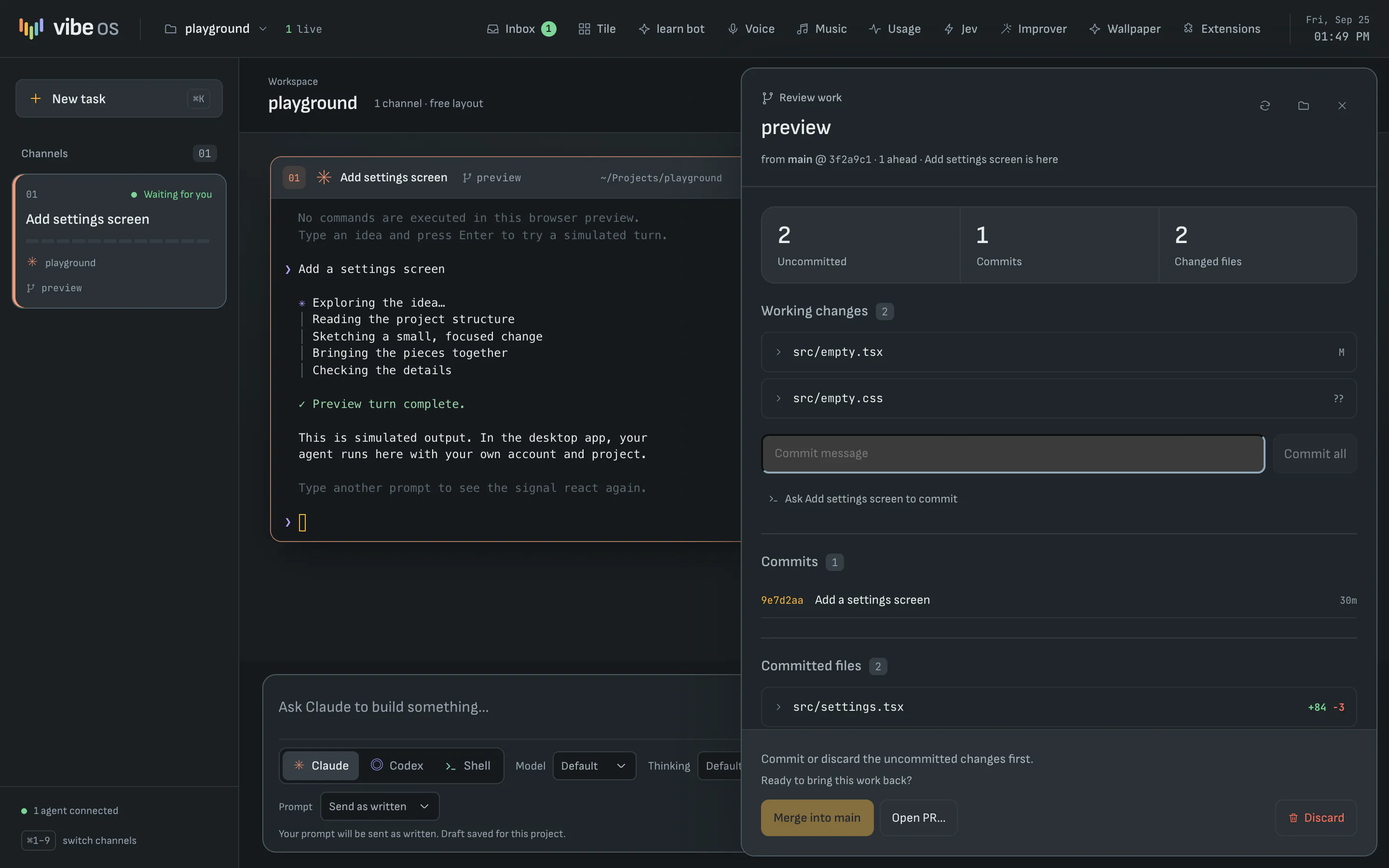
The Changes panel reviewing an agent's worktree branch: two uncommitted files, one commit and two changed files, with a commit box and buttons to merge into main, open a pull request or discard.
Each agent works on its own branch. Review what it changed, then commit, merge, open a pull request or discard it.
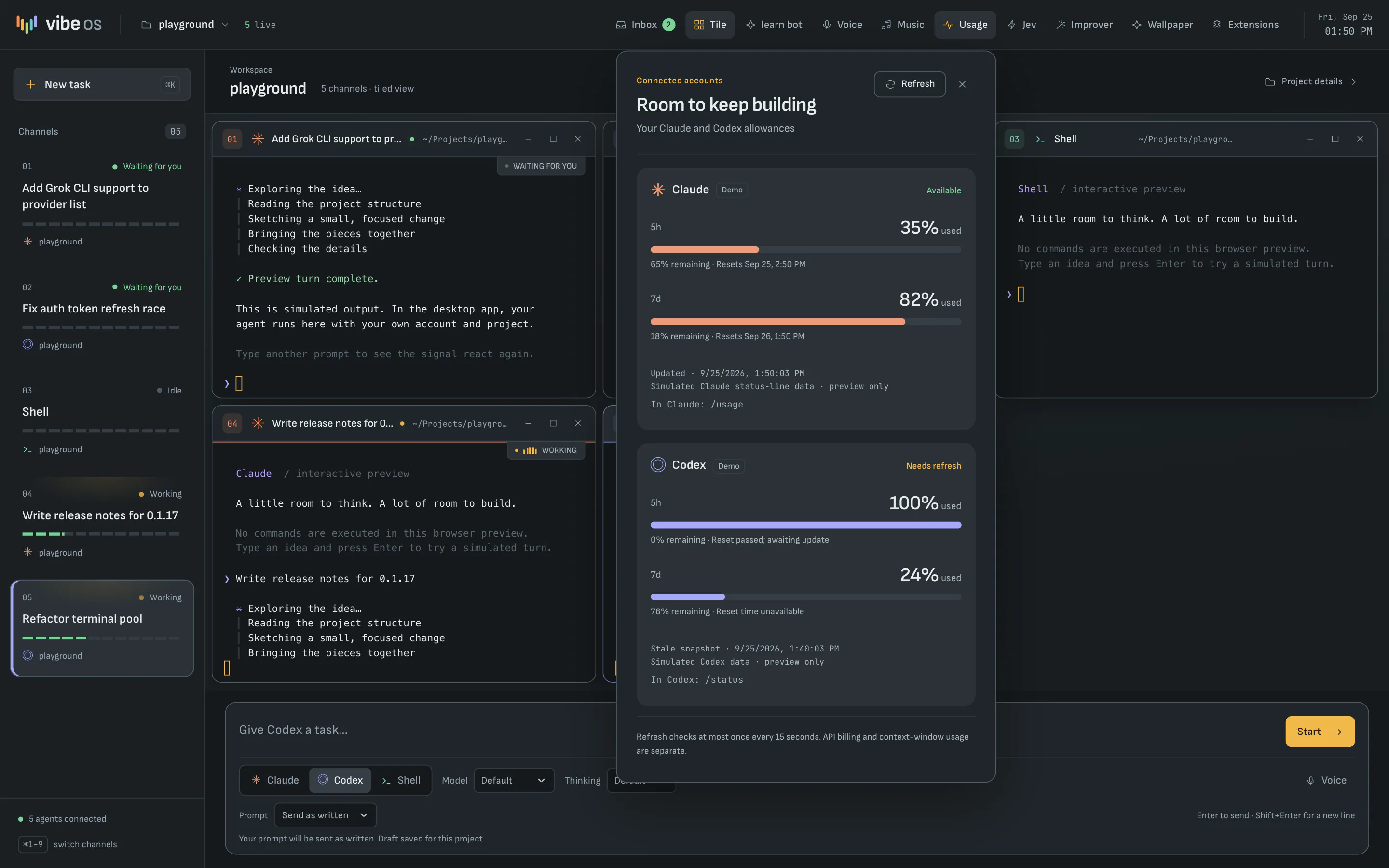
The Usage panel over a busy desk, showing how much of the Claude and Codex five-hour and weekly allowances is used and when each resets.
Your Claude and Codex allowances, with reset times and stale readings marked. The readings here are sample data.
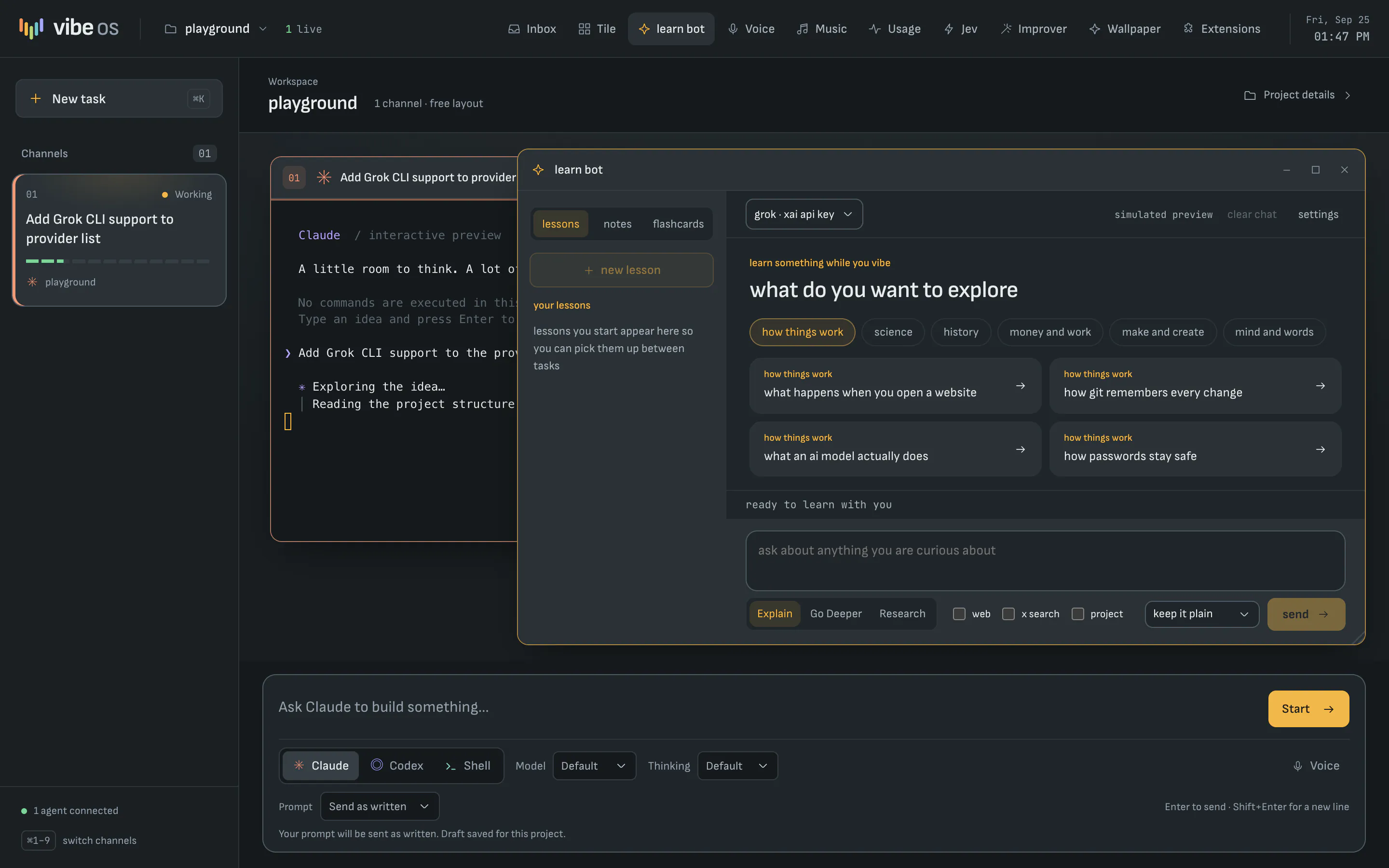
The learn bot window open on the desk beside an agent, asking what you want to explore, with topic chips and starter lessons.
learn bot opens as a window on the desk, next to your agents.
The Extensions store showing built-in themes such as Console, Charcoal, Midnight, Nightshade, Ember and Moss.
The Extensions store, with built-in themes, effects and utilities.

Getting started

Up and running in three steps

When Vibe OS launches, you'll need a Mac with Apple silicon, the Claude Code or Codex CLI signed in, and git for worktrees and the skill library.

  1. Buy and download

    Checkout opens at launch. You'll get a disk image for Macs with Apple silicon.

  2. Drag the app to Applications

    The app inside is called AgentDeck, which is the app's file name. It opens straight into Vibe OS.

  3. Add a project

    Press ⌘O and choose a folder. Pick Claude, Codex or Shell in the chat bar, type the task and press Enter.

Releases

Every version, newest first

The latest is 0.1.17, from . Vibe OS isn't on sale yet, so these are the builds being tested ahead of launch. New versions appear here as soon as they're published.

  1. 0.1.17Latest2 changes

    • Learn bot is its own window on the desk. Open it from the top bar and it sits beside your agent windows: drag, resize, minimize, maximize or tile it like any agent. It keeps a list of your lessons across projects (earlier chats are kept as lessons), opens on a discover view with topics from six subjects plus "surprise me", and ends lessons with "Explore next" questions you can send in one click without losing a half written message.
    • New Vibe OS logo. Five signal bars step down into a V, colored from the theme spectrum in the masthead and onboarding card. The same mark is now the favicon and the app icon, and the source files live in src/renderer/src/assets/brand/ (vibeos-mark.svg, vibeos-logo.svg).

Pricing

One price. Pay once.

Vibe OS will cost $200, paid once. There's no subscription, no tiers and no add-ons. Your agents keep running on the Claude or ChatGPT plan you already have.

Coming soon

Vibe OS for Mac

$200 one-time purchase

The whole desk, with nothing held back for a higher tier.

  • Unlimited Claude, Codex and shell channels
  • Prompt rewrites, shared memory, roster and notes
  • Worktrees and the Changes panel
  • Usage, session restore, themes, wallpapers and learn bot
  • No subscription and no renewal fee

Not on sale yet

Checkout isn't open yet, and there's no payment or sign-up on this site.

Questions

How much does Vibe OS cost?

Vibe OS will be a one-time purchase of $200, with no subscription and no tiers. It isn't on sale yet. Your agents run on the Claude or ChatGPT plan you already pay for. See Pricing.

When can I get it?

Vibe OS isn't released yet. Checkout and the download open together at launch.

Which coding agents does it work with?

Claude Code and Codex, through the CLIs you already have installed and signed in, plus a plain shell for everything else. You need at least one of the two CLIs.

Do I need an API key?

Not for the desk. Claude Code and Codex run through their own CLIs with your existing sign-in, and prompt rewrites use that same sign-in. A few optional extras (Voice, Jev and learn bot's xAI option) use a key of your own and are billed to it. They stay off until you set them up.

Does it run on Intel Macs, Windows or Linux?

No. Vibe OS is built only for Macs with Apple silicon (M1 or later). There is no Intel, Windows or Linux version.

Does my code or history leave my Mac?

Your agents talk to Anthropic or OpenAI exactly as they do in your terminal. Project memory, the roster and shared notes are stored locally and never leave your machine. Optional features send data to their provider only while you use them.

Will it change my Claude or Codex settings?

No. Status hooks are passed to each session when it starts, your own Codex notify command is kept and chained, and nothing is written into ~/.claude or ~/.codex.

Why is the app called AgentDeck?

AgentDeck is the app's file name, and Vibe OS is the desk it opens into. The app in your Applications folder will use the AgentDeck name.